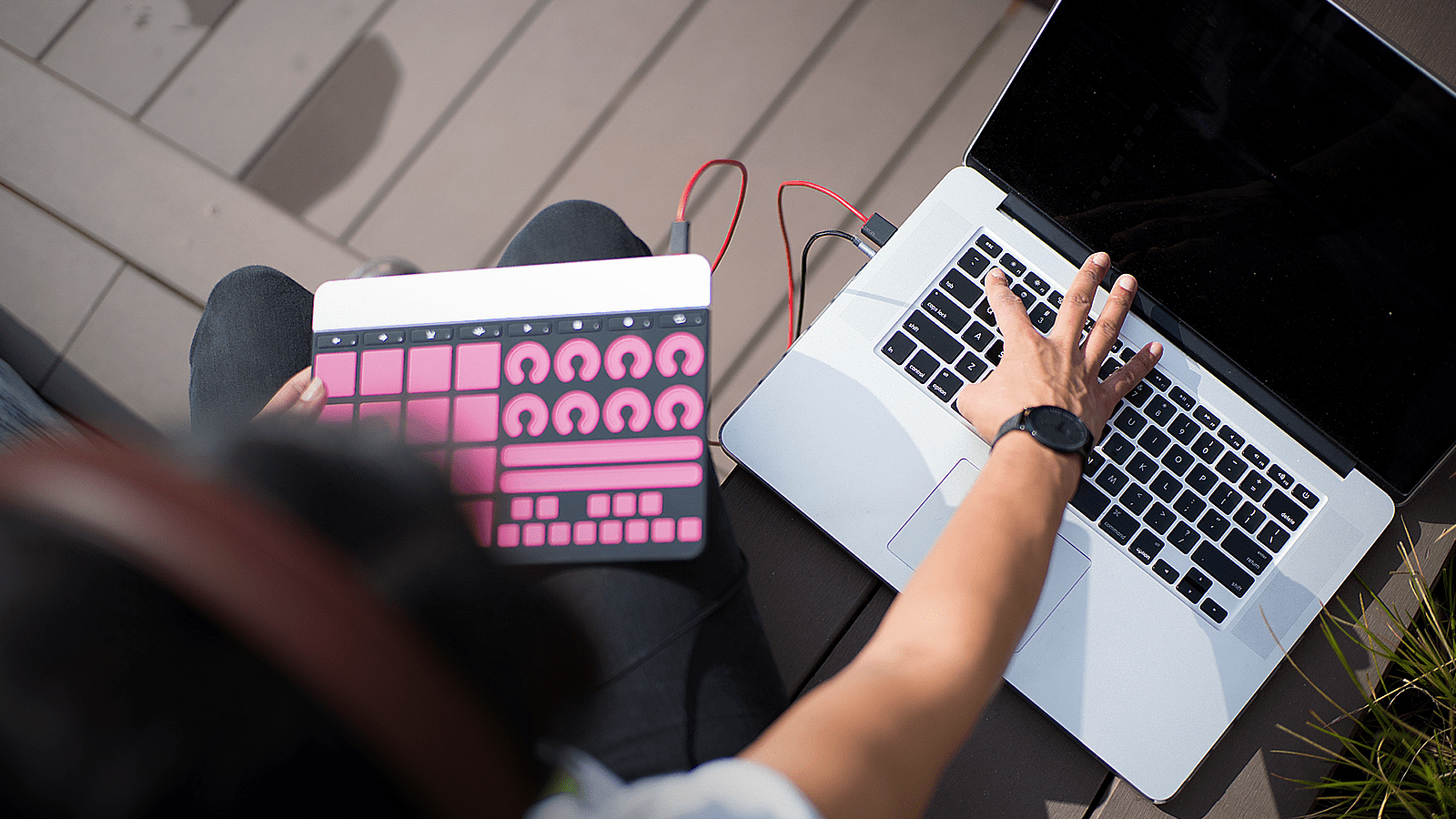
MIDI controllers are one of the first purchases in any home studio. Whether you’re just starting out or are a seasoned producer, figuring out how to buy a MIDI controller that’s right for you can be an overwhelming task.
Before we get into our seven tips, let’s touch on what a MIDI controller is. MIDI controllers come in all different styles and sizes. Quite simply: if a device’s primary or secondary function is to send MIDI data to another piece of hardware or software, that device can be considered a MIDI controller.
MIDI was designed in the early ’80s by Ikutaro Kakehashi, the founder of Roland. The most common type of MIDI controller is in the form of a keyboard, but guitars and drum sets can also be controllers. Even fruit can be wired to computer processors to become a MIDI controller. Try it one day.
No matter the type of MIDI controller, they all have one thing in common: they send information about music notes and how they are played to computers via electronic messages called “MIDI messages.”
Now that we have that out of the way, here’s a guide for musicians on how to buy a MIDI controller that’s perfect for you.
6 things to help you buy the right MIDI controller
1. Budget
As with most purchases, how much money you can spend can be the biggest factor that affects your decision. But, rest assured, there’s a diverse range of prices when it comes to keyboard controllers. How diverse? Is $30 to $3,000 a wide enough range?
2. DAW (digital audio workstation)
A digital audio workstation is a fancy way of saying “music production software.” This extends to programs like Pro Tools, Ableton Live, Apple Logic, Propellerhead Reason, FL Studio, and many more.
Most controllers aren’t built with a specific DAW in mind. But, there are a few purposely designed for a single DAW with specialized features and functions. The Ableton Push controller modeled for the Ableton Live software is a good example of this exception.
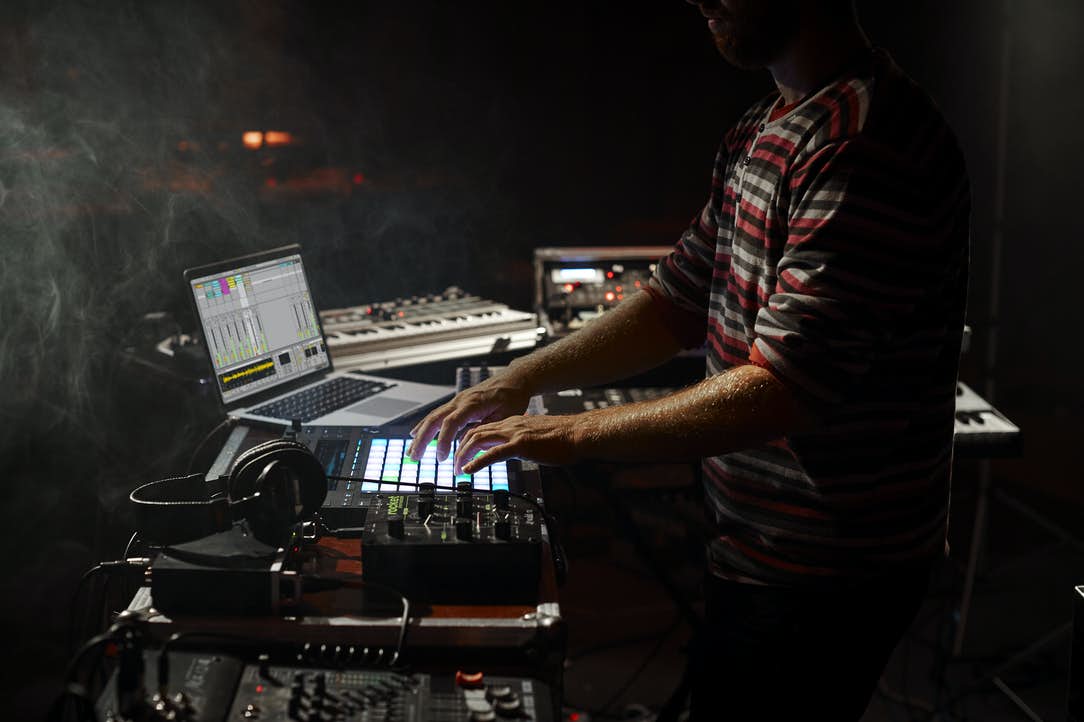
3. Knobs, faders, and buttons
In the case of controllers, more is not necessarily merrier. You want your controls to make your life easier, not harder.
Many modern keyboard controllers come with knobs, faders, and buttons. The question is, are they laid out in a way that’s comfortable for you? Does the interface make sense for the way you work? Can you map these controls to the software that you use?
4. Key weight and width
Keys on a keyboard can have one of two weights. They can be semi-weighted, or fully-weighted (e.g. a weighted hammer action). Weighted keys have more resistance and mimic the feel of a real piano. This resistance can feel more natural for musicians with classical training, but it really boils down to personal preference.
Before choosing one, play around with the feel of the different types of keyboards so you won’t be unpleasantly surprised when you are toiling over it in the middle of the night. Making beautiful music should be fun. The width of the keys is also something to consider. This element is often overlooked, but it’s a crucial detail when you’re first starting out.
5. Aftertouch
Aftertouch sends MIDI messages when you hold and press harder on keys in order to generate more expressive sounds or sustain. It’s usually found on the pricier and more advanced keyboard controllers.

The two types of aftertouch include monophonic (channel aftertouch) and polyphonic. Polyphonic is the rarer of the two and keyboards like the ROLI Seaboard take it to another level of creative expression.
Even seasoned vets need time to dive deep into these contemporary approaches and formats, so don’t be frustrated if the learning curve is longer than expected. Once you get a taste of it, however, it can be hard to go back to controllers that don’t have it.
6. I/O (input/output)
What’s the connectivity of your device like? CV and Gate outputs allow you to modulate synth, while 5-pin MIDI DIN jacks helps you to control external MIDI instruments. 21st century MIDI controllers use MIDI to USB, and sophisticated wireless and bluetooth capabilities are increasingly popular options. Be sure to check what your prospects allow for.
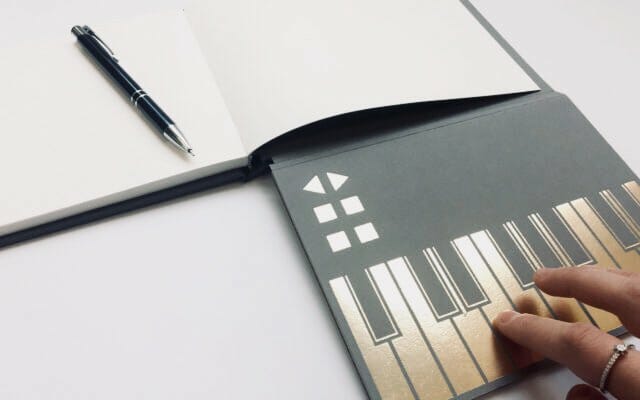
When it comes to connectivity, innovation is an endless well of inspiration. For example, physicist and (former sheep herder) Dr. Kate Stone invented the ingenious Songwriter’s Notebook using conductive gold ink.
Find the right MIDI keyboard for you
Here are some recommendations based on a variety of needs and experience level. There’s a lot to take into consideration when picking the right mix of features for your MIDI Keyboard Controller.
Best MIDI keyboards for beginners
The Akai MPK mini has all the basic necessities while being compact for music-making on the go. Beginners should also consider finding a device that has a built-in speaker if you want to travel with it and hear yourself without additional hardware like amplifiers.
Best MIDI keyboards for pianists
Whether you’re a whiz on the keys or a producer looking to polish up your skills, it’s worth exploring an 88-key MIDI keyboard controller.
Although larger than the typical MIDI keyboards, an 88-key opens your world to creative possibilities such as the M-Audio Keystation Pro 88 or Native Instruments KOMPLETE KONTROL keyboards that integrate seamlessly with Output software.
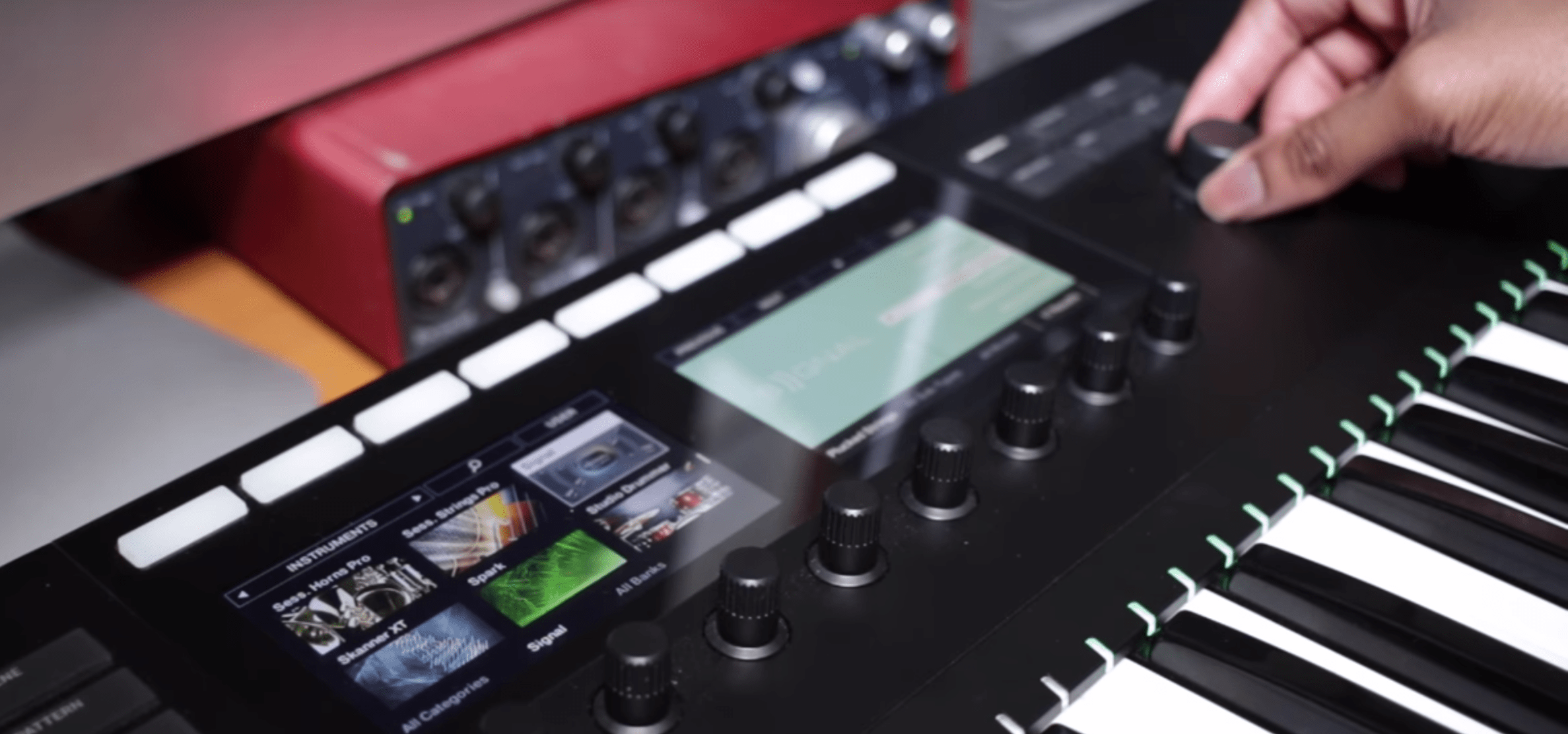
Best MIDI keyboards for producers
If you’re a music producer who’s looking for more advanced configurations and you want both portability and access to a few octaves, you may be in the market for a 32 or 37 key controller (like the IK Multimedia – iRig Keys Pro) or 49-key controllers like the Alesis VI49.
For those who want even more options, 61-key controllers like the Novation Impulse or AKAI MPK2 should be considered.
Best MIDI keyboards for travel
A flexible, versatile rig is a must when recording in a variety of locations or while on the road. Some of the world’s greatest hits have been made by musicians on a tour bus. Fortunately, controllers like the Novation LaunchKey Mini MK2 or Keith McMillen QuNexus (great with Output’s Arcade) are solid choices and they won’t break the bank.
Best MIDI keyboards for groundbreakers
Modern music makers are no strangers to breaking the rules and pushing the envelope. Technologists understand this and are building instruments with game-changing versatility and capabilities like the sleek Artiphon INSTRUMENT 1.
The Sensel Morph is great for beginners and advanced musicians alike, thanks to its unique jack-of-all-trades controller, custom overlays, and the power to transform an interface on the fly.
The technology that goes into today’s devices can mimic traditional instruments with amazing results.
There’s fascinating research & development behind how each device mimics an actual instrument in their own unique way – which is an important factor when choosing your controller. For instance, when you press a key on a piano, it’s expressed by a MIDI controller not through the natural forces at play, but with velocity.
The future of MIDI
Since 1983, MIDI has been changing the music landscape, and the future has never looked so bright. While the actual protocol for MIDI hasn’t changed, the way we interact and interface with controllers certainly has.
In the future, we will see more innovative designs from wearable tech like MIDI gloves to exotic, futuristic takes on the keyboard like the ROLI Seaboard. To stay in step with the trends is important, but the goal should always to find a MIDI device that works with you.
Still undecided? Check out our list of favorite keyboard controllers.